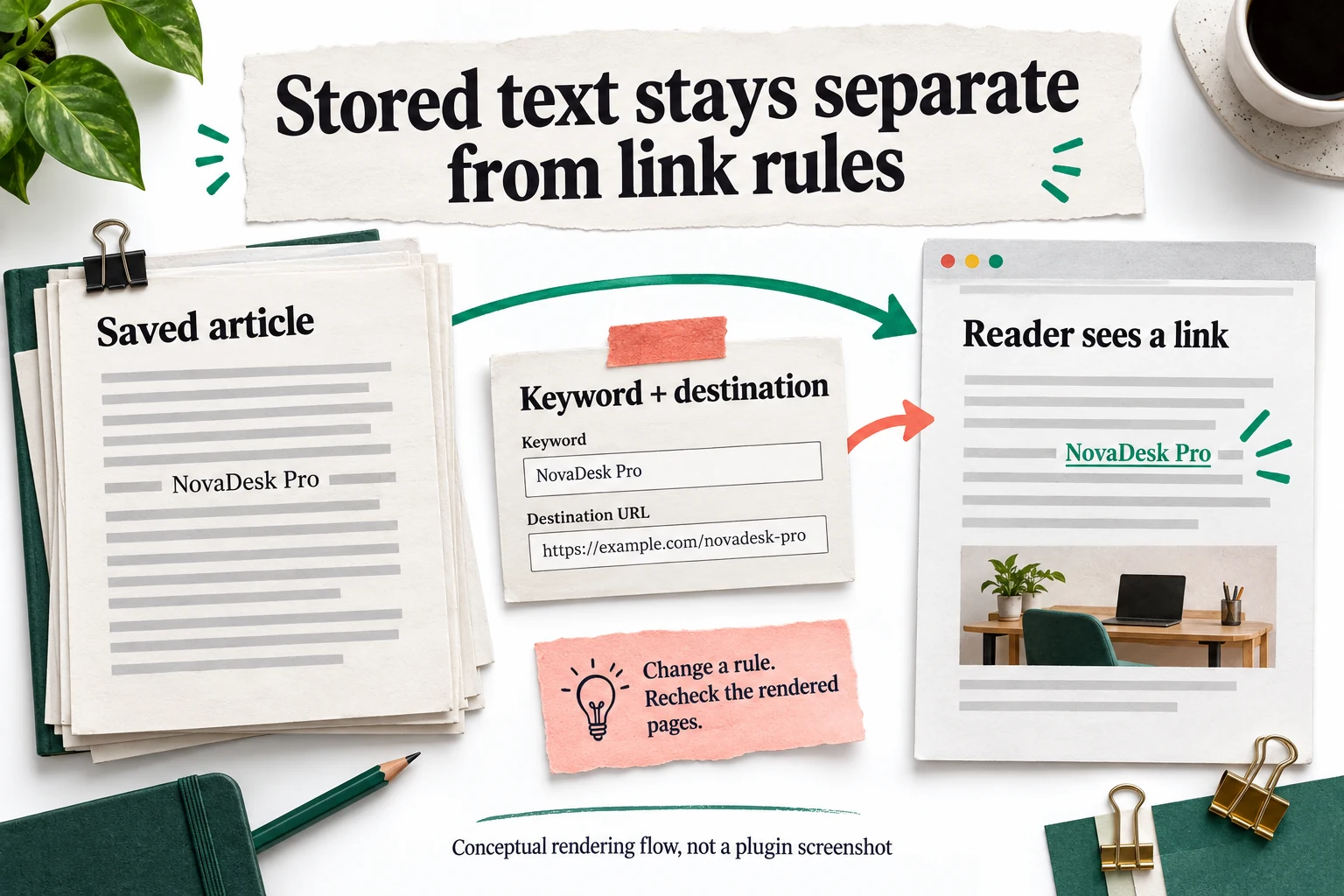
WordPress content does not always travel through one simple rendering path. Themes, builders, custom fields and other plugins can produce different structures. The seller lists support for several such integrations, but your exact combination still needs testing. A normal paragraph working correctly does not prove that a table, recipe block, forum post or custom-field output behaves the same way. Use the product's Generated Links inspection alongside a front-end review of the page types your publication actually uses.
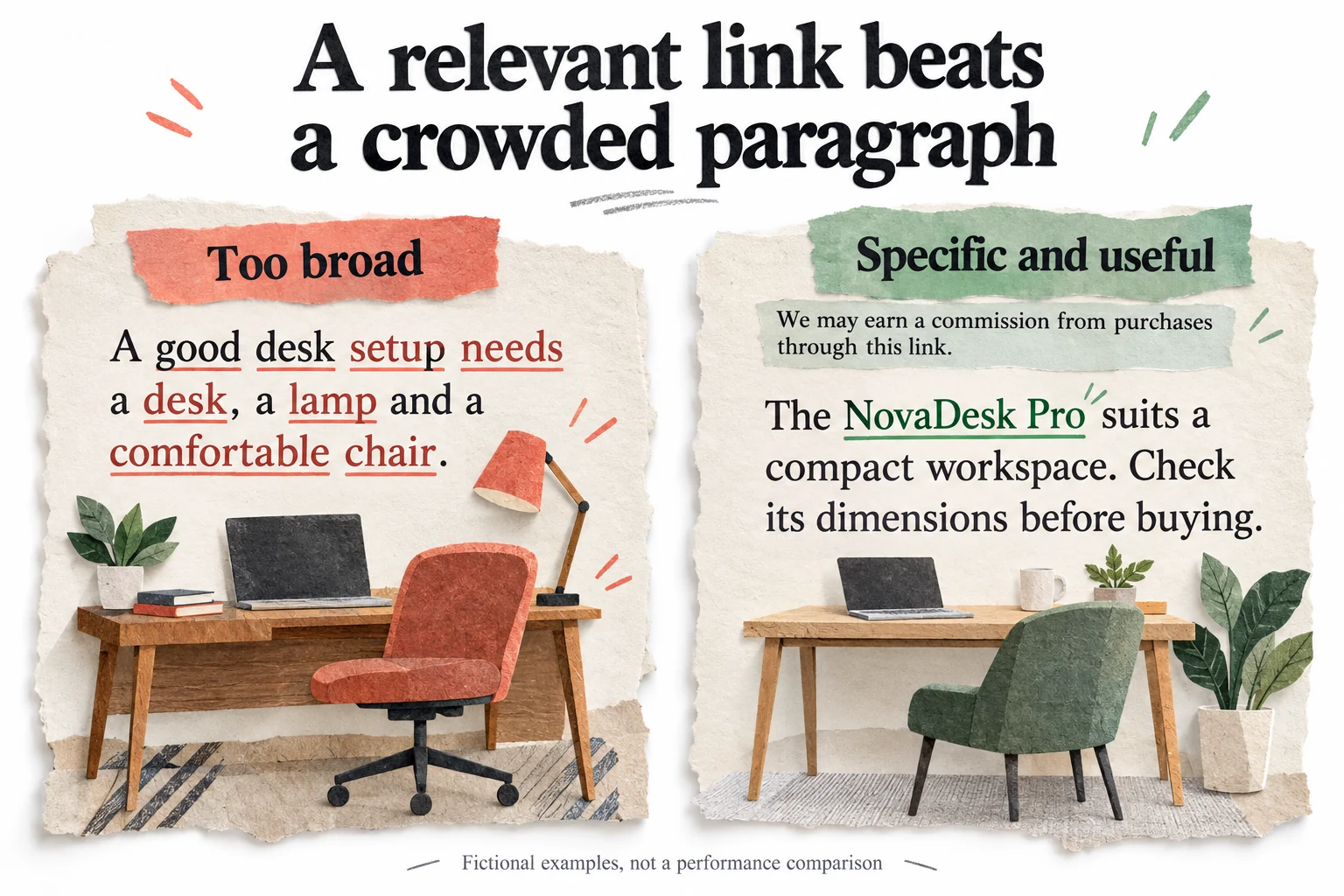
Existing links are a particularly important test case. The checked official listing shows version 6.9.9.1, whose changelog describes a fix intended to avoid inserting links inside existing anchors containing nested HTML. That is useful maintenance evidence, not proof that every possible markup combination is now flawless. Include an existing bolded product link, a manually written call to action and a linked image in your staging sample. Confirm that the original destinations and clickable areas remain intact.
Build a small acceptance matrix: ordinary article, long comparison, archive excerpt, custom layout and an explicitly excluded page. For each, check link count, destination, visible disclosure, existing anchors and mobile readability. Add any content type that is central to your business. The matrix should reflect your real site rather than a generic list of every WordPress feature. A handful of carefully selected cases is more valuable than a broad statement that the plugin supports your builder.
When a conflict appears, isolate it before expanding the rollout. Disable the new rule or module on staging, compare the rendered output and record the smallest example that reproduces the issue. Send that concrete example to support if needed, without including credentials or private customer content. A support response is more useful when it can address a precise interaction. Do not leave an unexplained rendering problem active across the archive simply because most pages seem fine at a glance.