The MainWP guide describes copying an allowed set of settings from a synchronized Pro child to selected targets, with version requirements and a preview of differences. It also treats lockout-prone options separately. This is useful for an agency that wants a common baseline, but it is not an invitation to declare every client's hosting, authentication and checkout requirements identical. Central administration increases the reach of a correct decision and the reach of a mistaken one.
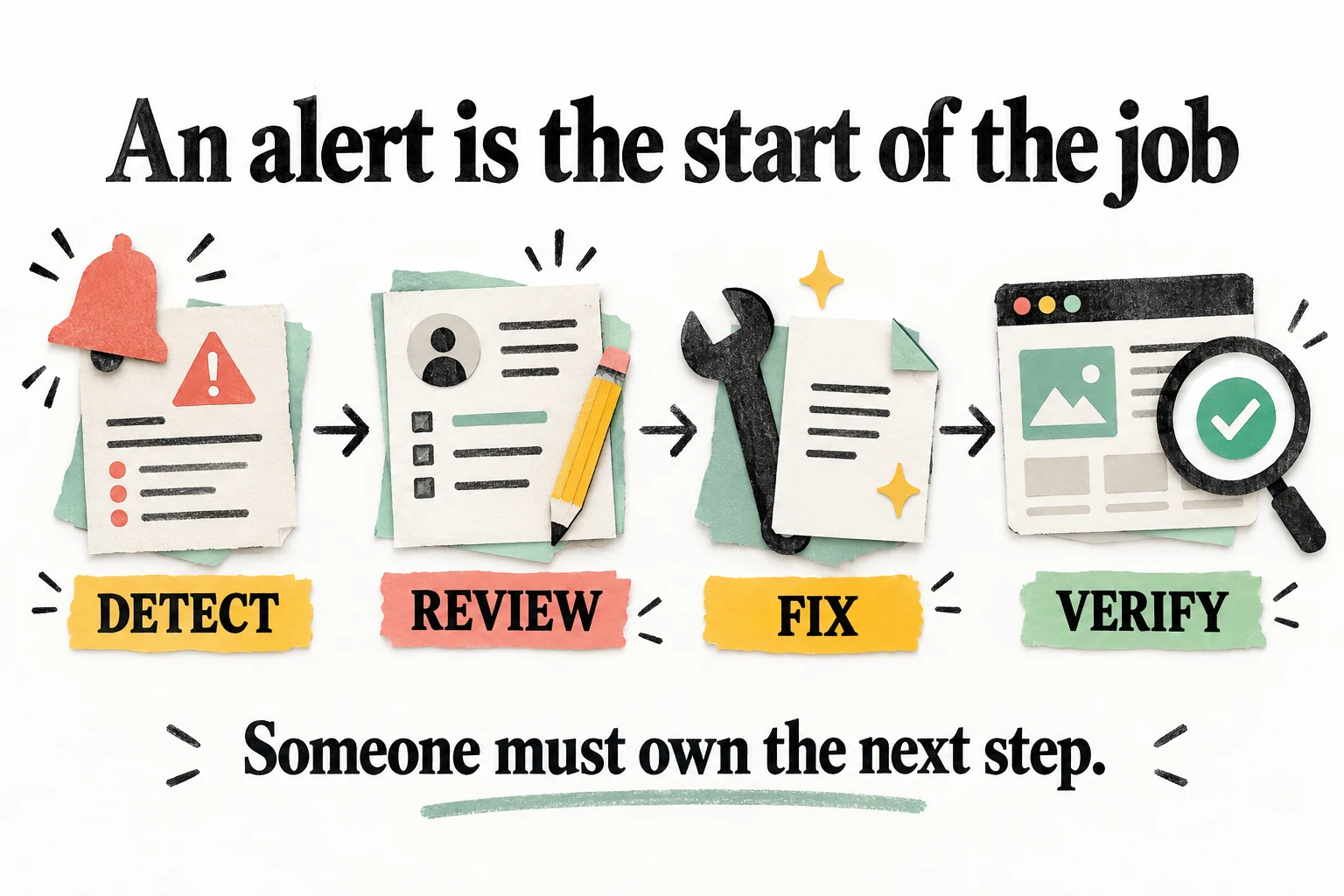
Start with a representative noncritical site and a limited group of changes. Review the differences, confirm target compatibility and verify the result after synchronization. The guide notes that newer settings require newer child versions and that some remote changes can affect scheduling or configuration. A successful dashboard action should therefore be followed by confirmation on the target, not interpreted as proof that every requested setting was understood by every installation.
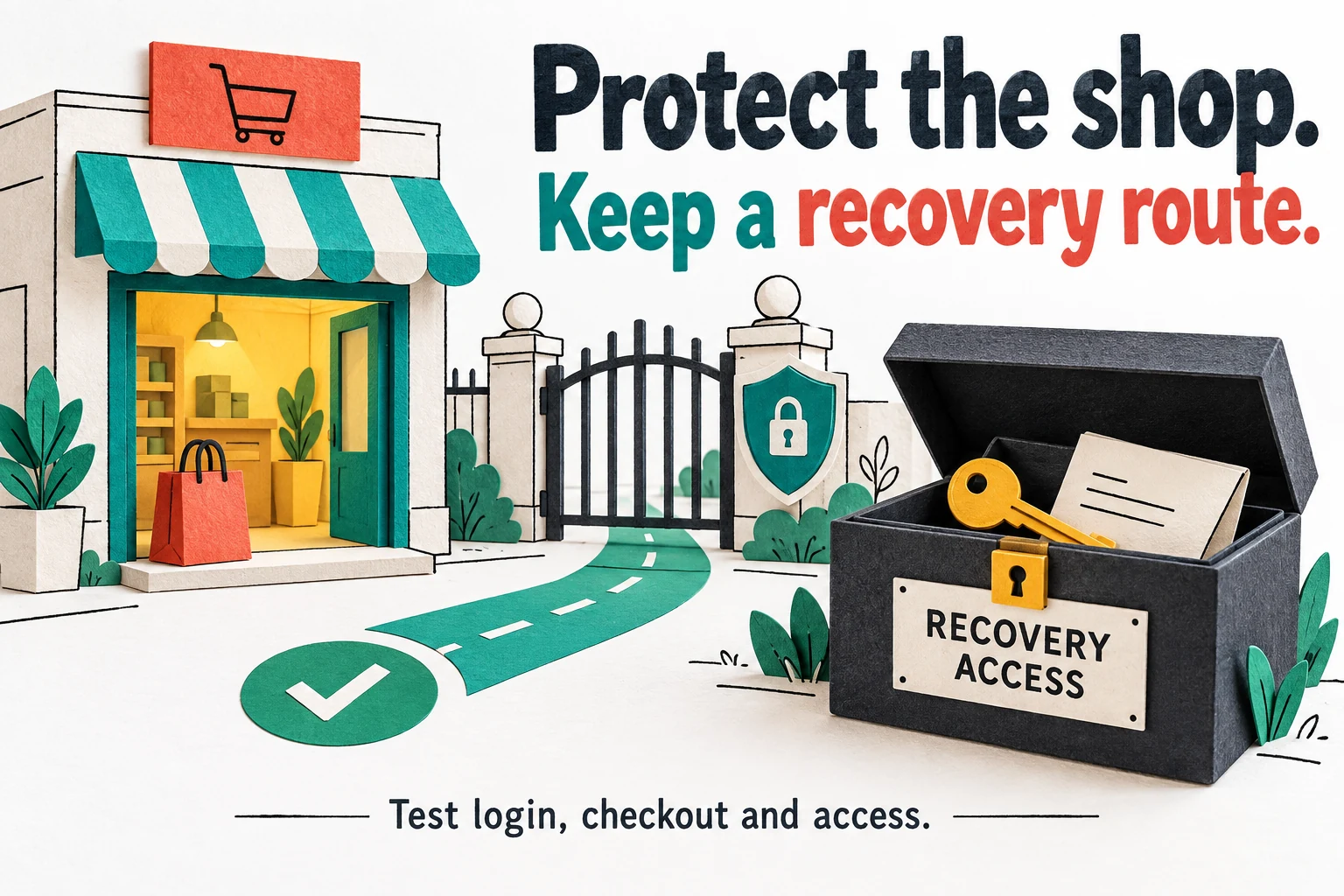
Keep site-specific exceptions explicit: trusted proxies, customer geography, login arrangements, custom code and essential integrations can legitimately differ. Protect recovery material separately for each site. If you standardize a setting, record the reason and the assumptions behind it so a future host migration or client requirement can trigger a review. A copied configuration without those assumptions is an efficient way to distribute yesterday's answer to tomorrow's different problem.
For commercial care plans, separate the plugin license from the service promise. Who updates software, reads findings, handles a lockout and responds outside ordinary hours? What happens when a client leaves? White-label presentation can make a service feel cohesive, but it should not obscure who supplies the underlying tool or what work your agency actually performs. Sell a defined maintenance outcome supported by evidence, not the impression that purchasing enough licenses has created a fully staffed security department.